We use cookies to improve your online experience. By continuing browsing this website, we assume you agree our use of cookies.

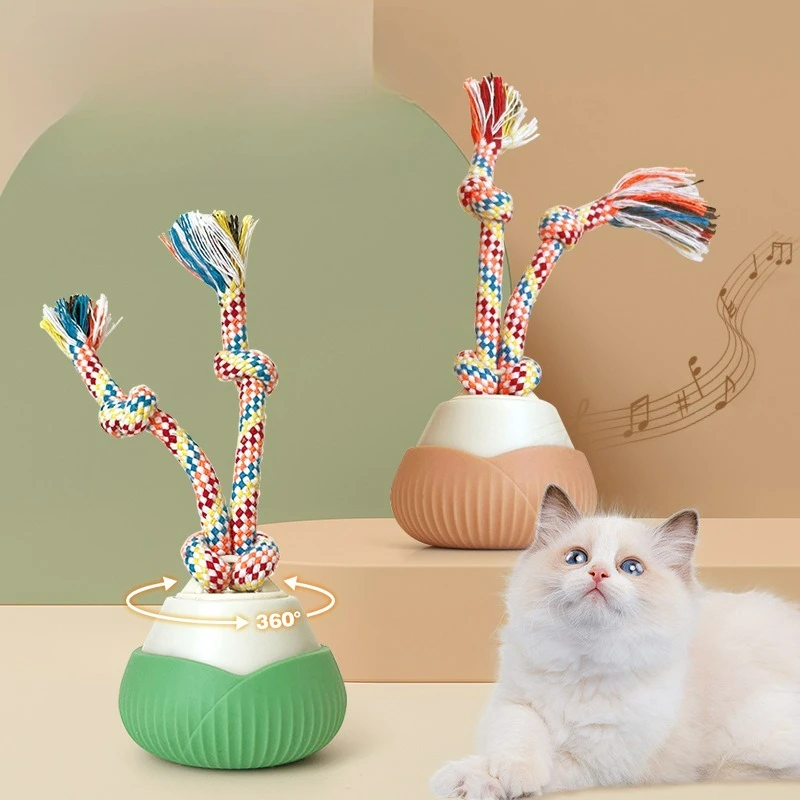
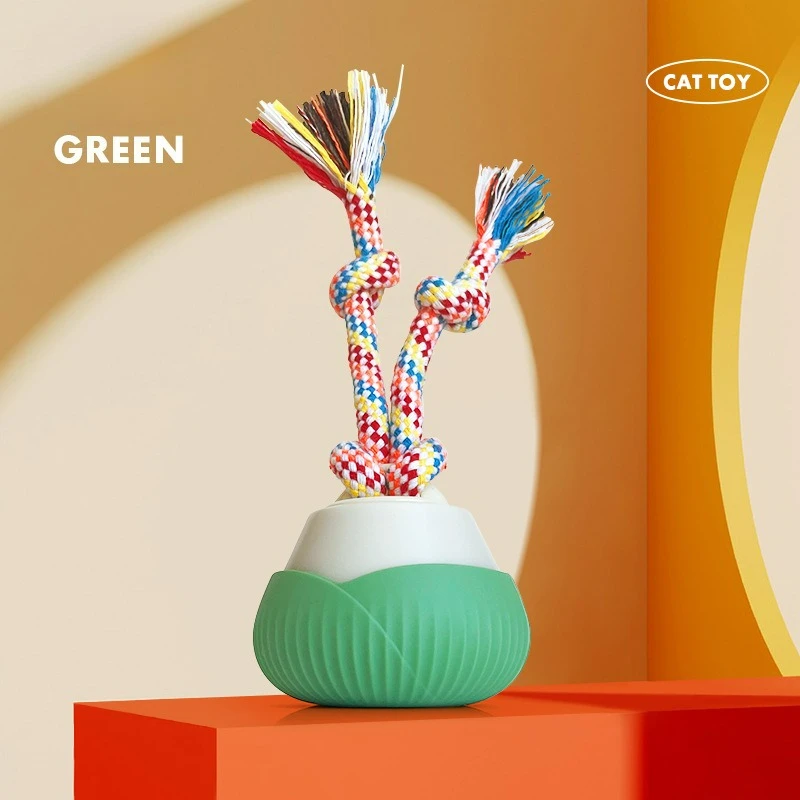
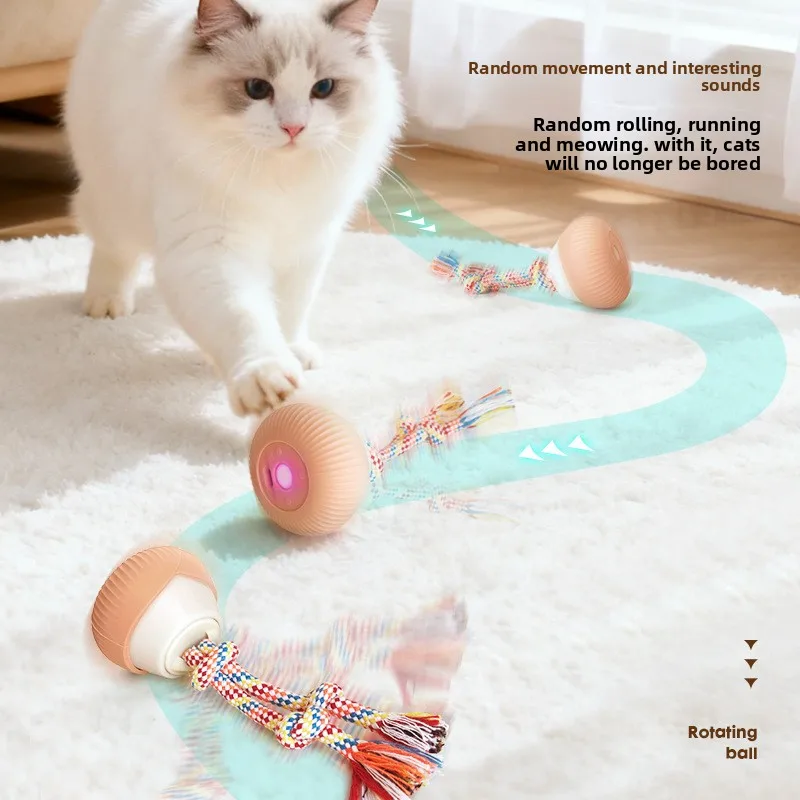
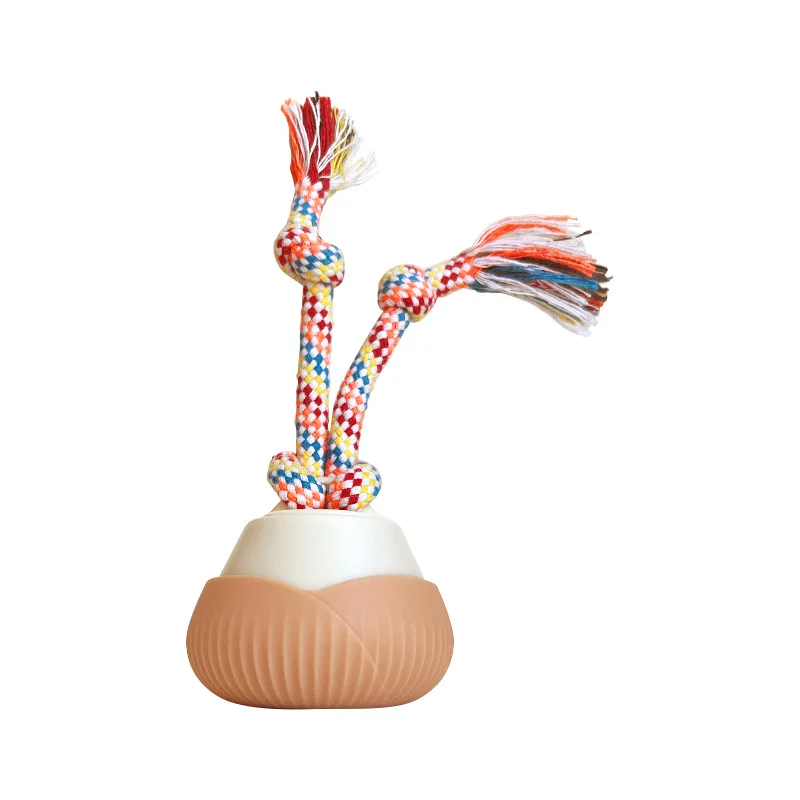
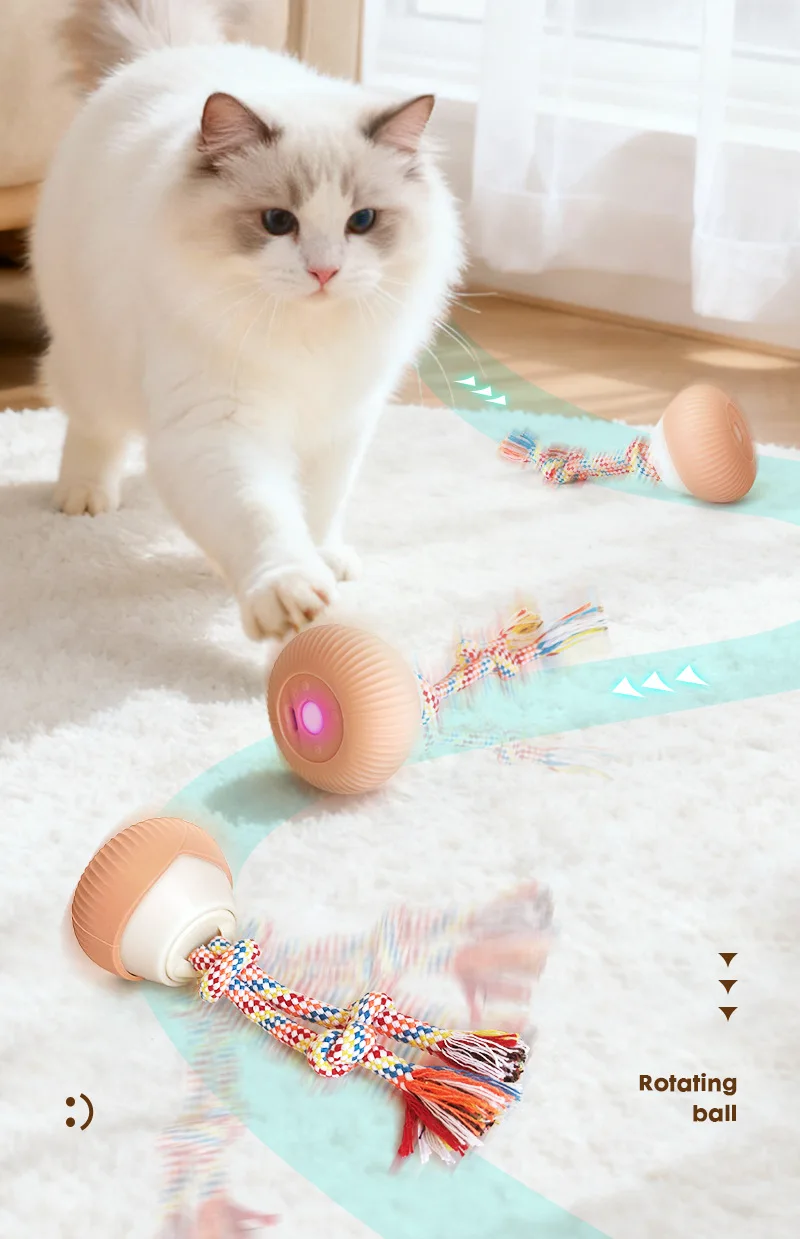
Interactive Cat Toys for Indoor Cats Interactive Cat Ball Toy with Elastic Mesh Tail Automatic Rotation

SKU: PDY3748
$5.67 $0.00

MOQ:10PCS

Received successfully
Coupon Code
CONTINUE SHOPPING
    Please select the information you want X
  • Color:
    khaki
    Emerald Green
Quantity:
  • 1Pc Interactive Cat Toys for Indoor Cats Interactive Cat Ball Toy with Elastic Mesh Tail Automatic Rotation Cat Toys
  • 1Pc Interactive Cat Toys for Indoor Cats Interactive Cat Ball Toy with Elastic Mesh Tail Automatic Rotation Cat Toys
  • 1Pc Interactive Cat Toys for Indoor Cats Interactive Cat Ball Toy with Elastic Mesh Tail Automatic Rotation Cat Toys
  • 1Pc Interactive Cat Toys for Indoor Cats Interactive Cat Ball Toy with Elastic Mesh Tail Automatic Rotation Cat Toys
  • 1Pc Interactive Cat Toys for Indoor Cats Interactive Cat Ball Toy with Elastic Mesh Tail Automatic Rotation Cat Toys
  • 1Pc Interactive Cat Toys for Indoor Cats Interactive Cat Ball Toy with Elastic Mesh Tail Automatic Rotation Cat Toys
  • 1Pc Interactive Cat Toys for Indoor Cats Interactive Cat Ball Toy with Elastic Mesh Tail Automatic Rotation Cat Toys
  • Interactive Cat Toys for Indoor Cats Interactive Cat Ball Toy with Elastic Mesh Tail Automatic Rotation
  • Description
Function Introduction!!!
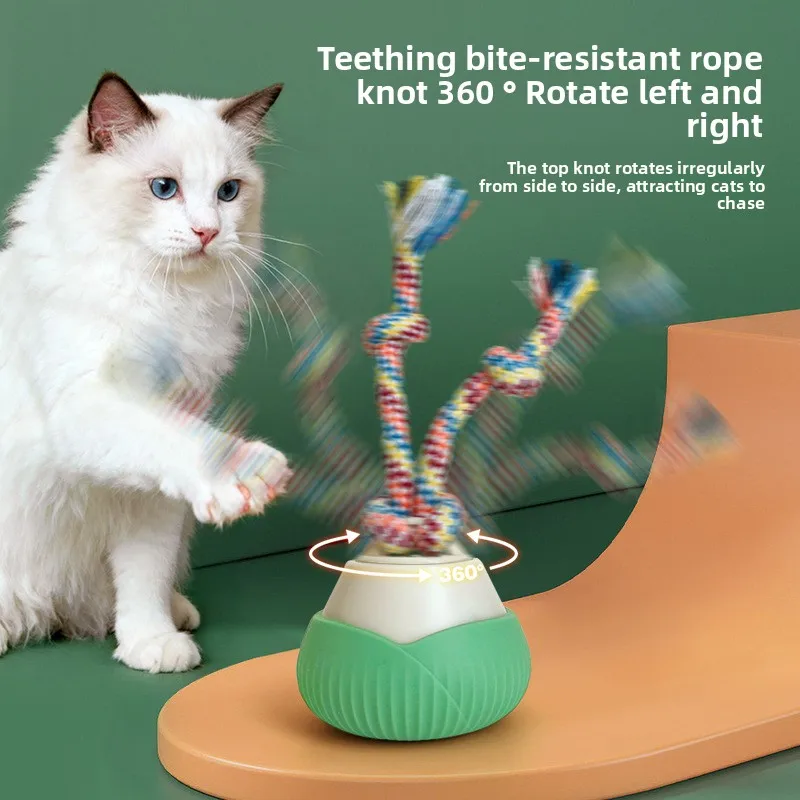
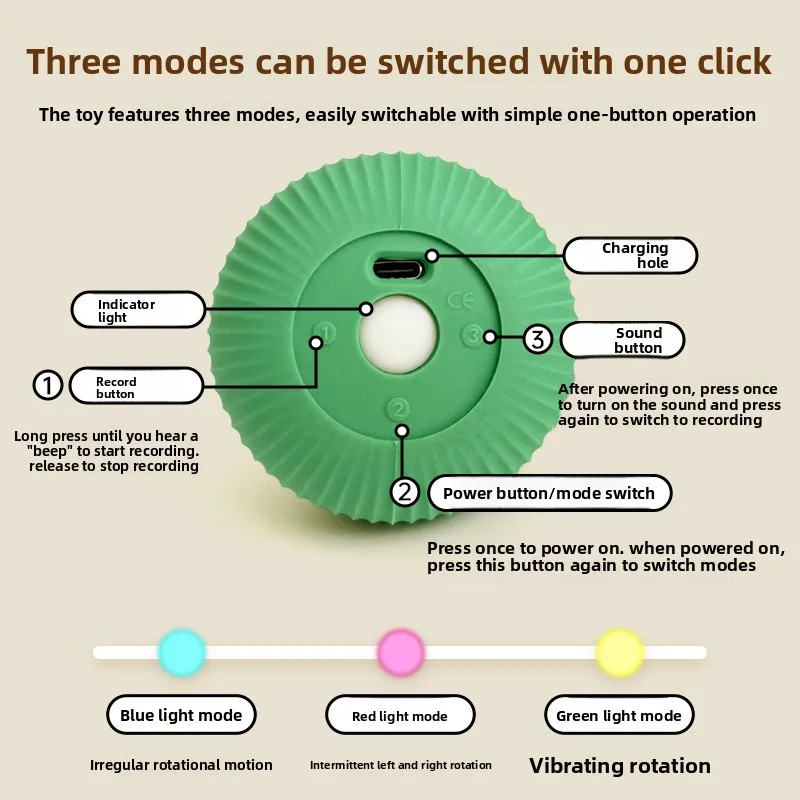
1. Press button "2" briefly to turn on the toy. After turning on, other buttons will be activated. The toy will default to the first mode, with a blue light, fast mode, and intermittent left and right rotation of the knot. At this point, press the "2" key briefly to enter the second gear mode, medium speed mode, with the pink light on, and the knot turning left or right for a long time. Short press the "2" key again to enter the third gear mode, slow mode, yellow light on, and knot vibration rotation motion. Press the "2" key for the fourth time to turn off the toy.
2. The toy comes with built-in sound effects, which sound immediately when turned on. During the above three modes of operation, the toy emits sound every 60 seconds
3. After the toy is turned on, it works for five minutes in each mode. After the five minute working time ends, the toy enters standby mode. In standby mode, touching the toy will give it another five minutes of working time. In standby mode, if it is not triggered for 15 minutes, the toy will automatically shut down
4. After turning on the toy, long press the "1" button to start recording with a "beep" sound for up to 30 seconds. Disconnect the "1" button at any time along the way to record
Stop the sound and play the previous recording again. Repeat the above steps to overwrite the previous recording. Please remove the leather case when recording
5. During the recording process, the motor does not work to avoid motor interference and unclear recording. The five minute working timer of the toy should not be interrupted during recording.
After turning on the device and completing the recording, press the "3" key briefly to switch between the built-in sound effects and the recording sound effects
Frequently Bought Together
more
Frequently Bought Together